
Serving modes
The site is static pages. Reading needs nothing else; changing the knowledge base, searching by meaning and running agents need Zemi's API behind it.
| Static copy | zemi | zemi --shared | |
|---|---|---|---|
| Paper pages with section summaries; topics, authors, timeline, landscape | ✓ | ✓ | ✓ |
| Paper of the day, with its figures | ✓ | ✓ | ✓ |
| Status tables; the arXiv watch's last check | ✓ | ✓ | ✓ |
| Keyword search (titles, authors, summaries, topics, ids) | ✓ | ✓ | ✓ |
| Full section text, figure galleries | ✓ | ✓ | |
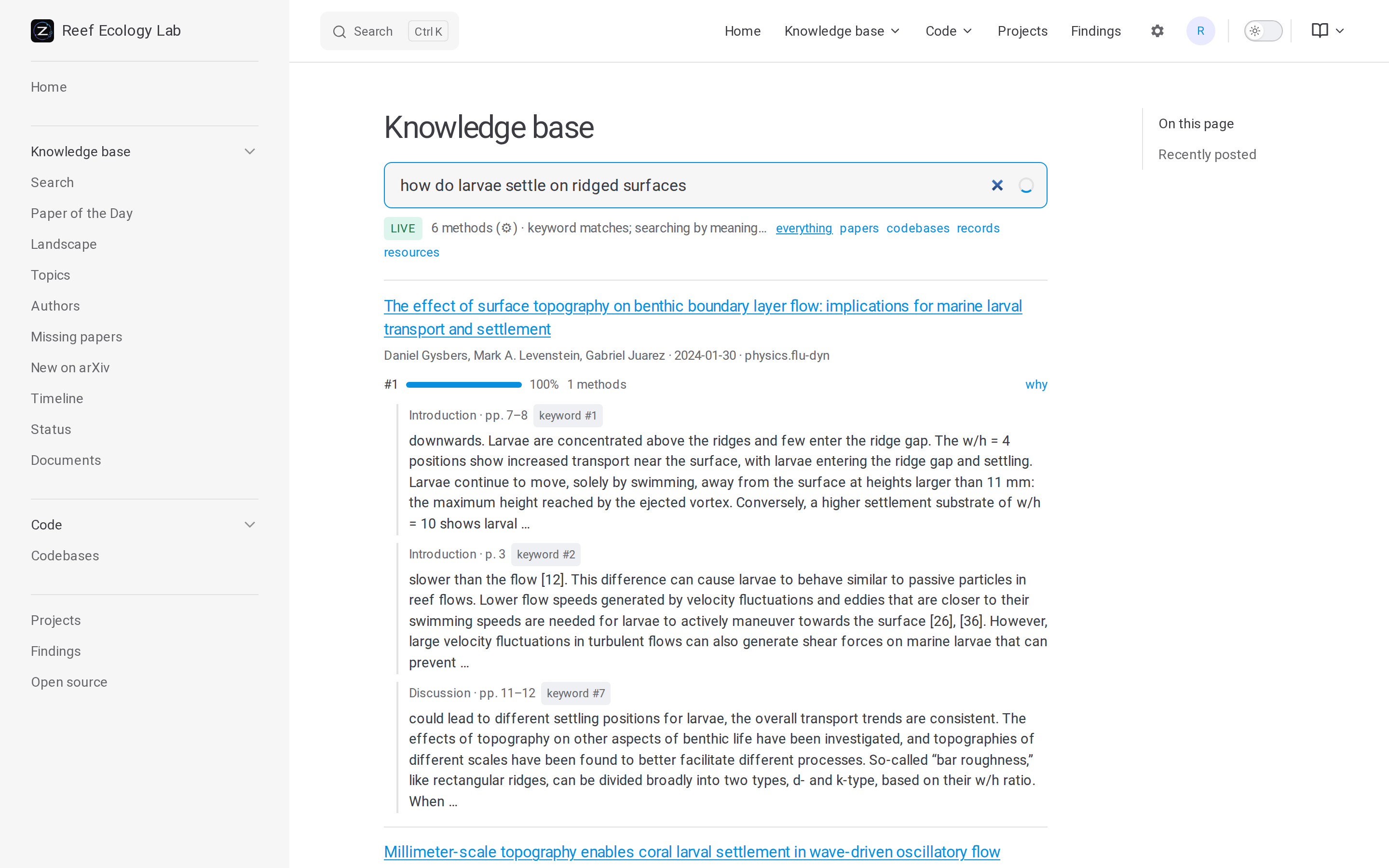
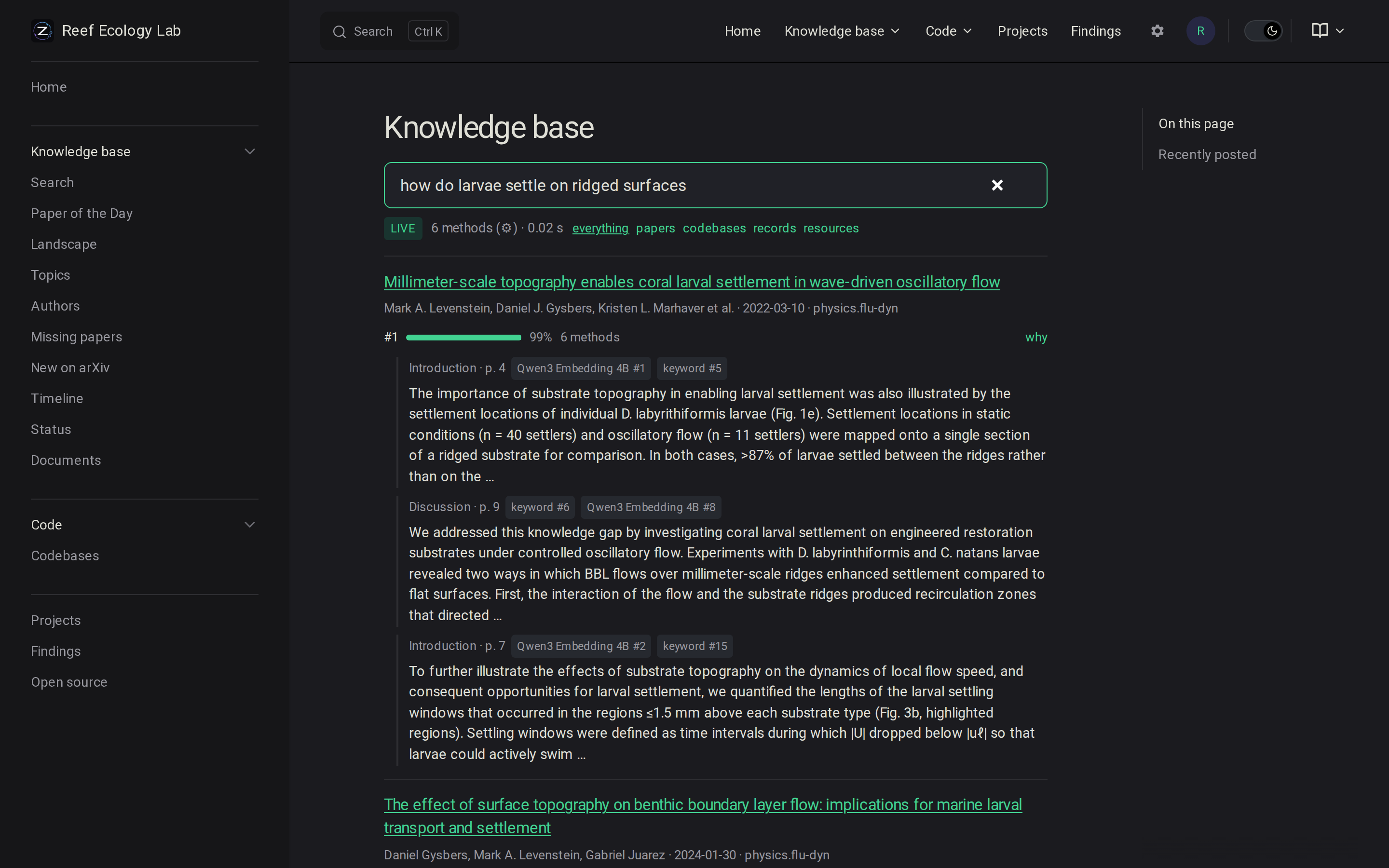
| Full-text and semantic search | ✓ | ✓ | |
| Adding papers, sync, checking arXiv | ✓ | ✓ | |
| Projects, tasks, findings | ✓ | ✓ | |
| Tutor, agent notebooks | ✓ | ✓ | |
| Configuration, Setup, Operations, Documents | ✓ | ✓ | |
| Agent tools | via Kaimon | MCP at /mcp | |
| Sign-in, roles, invitations, API tokens | ✓ |
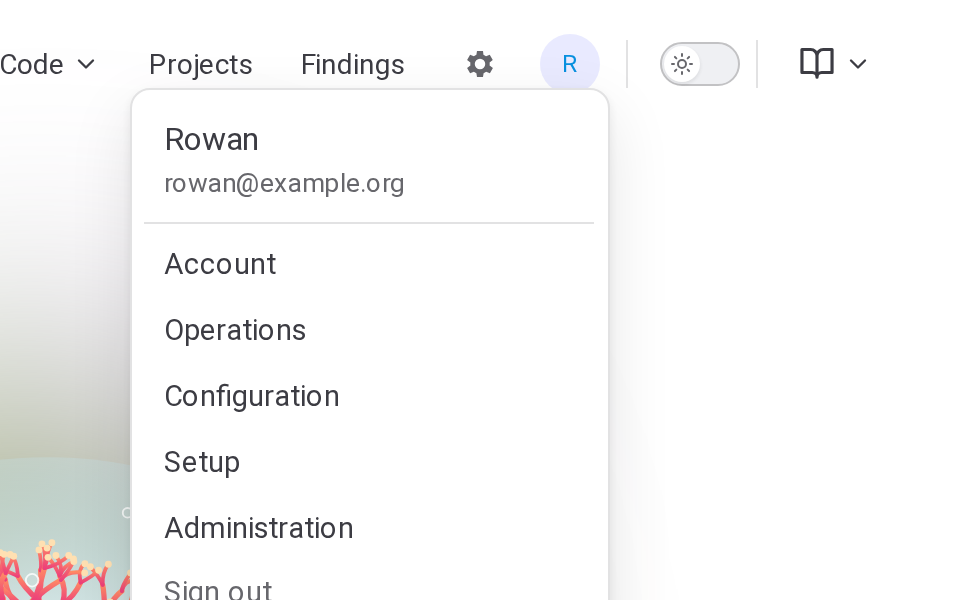
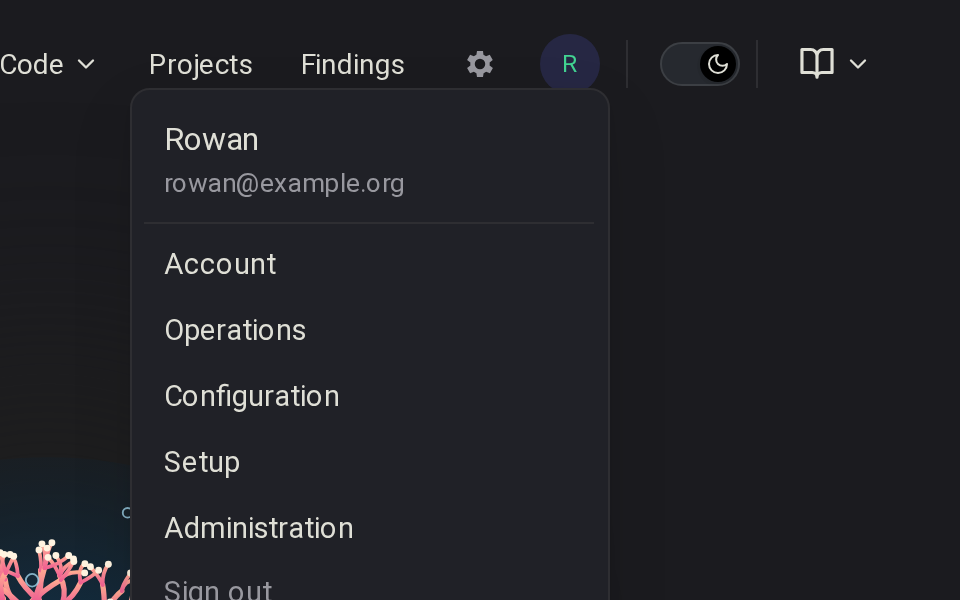
The top bar's menu has Operations, Configuration and Setup, and in the shared service Account (API tokens), Administration and Sign out, each for the roles that allow it. Open source ends the sidebar.
Projects, records and findings need a server
They are stored in the knowledge base's database and edited through the API. On a static copy their pages show only "Needs a running Zemi server."
Static copy
A built site is a folder any web server can host. Without the API, search uses papers.json and shows offline. The demo is a static copy.


zemi
One person, no sign-in, http://localhost:8000, opened once from the address it prints or with zemi open (see Installation). Rebuilds the site when papers, pages or notebooks change (zemi manual: edits to pages and notebooks wait for Enter). Serves its tools to the local Kaimon (see Agents and MCP).
zemi --shared
A group, signing in through GitHub or any OpenID Connect provider. Adds roles, invitations, API tokens and MCP (at /mcp with the default [shared] kaimon = "embedded"). zemi --shared --local-sign-in tries it on localhost, signing in as any invited person or admin without a provider. For a server, see Server deployment.
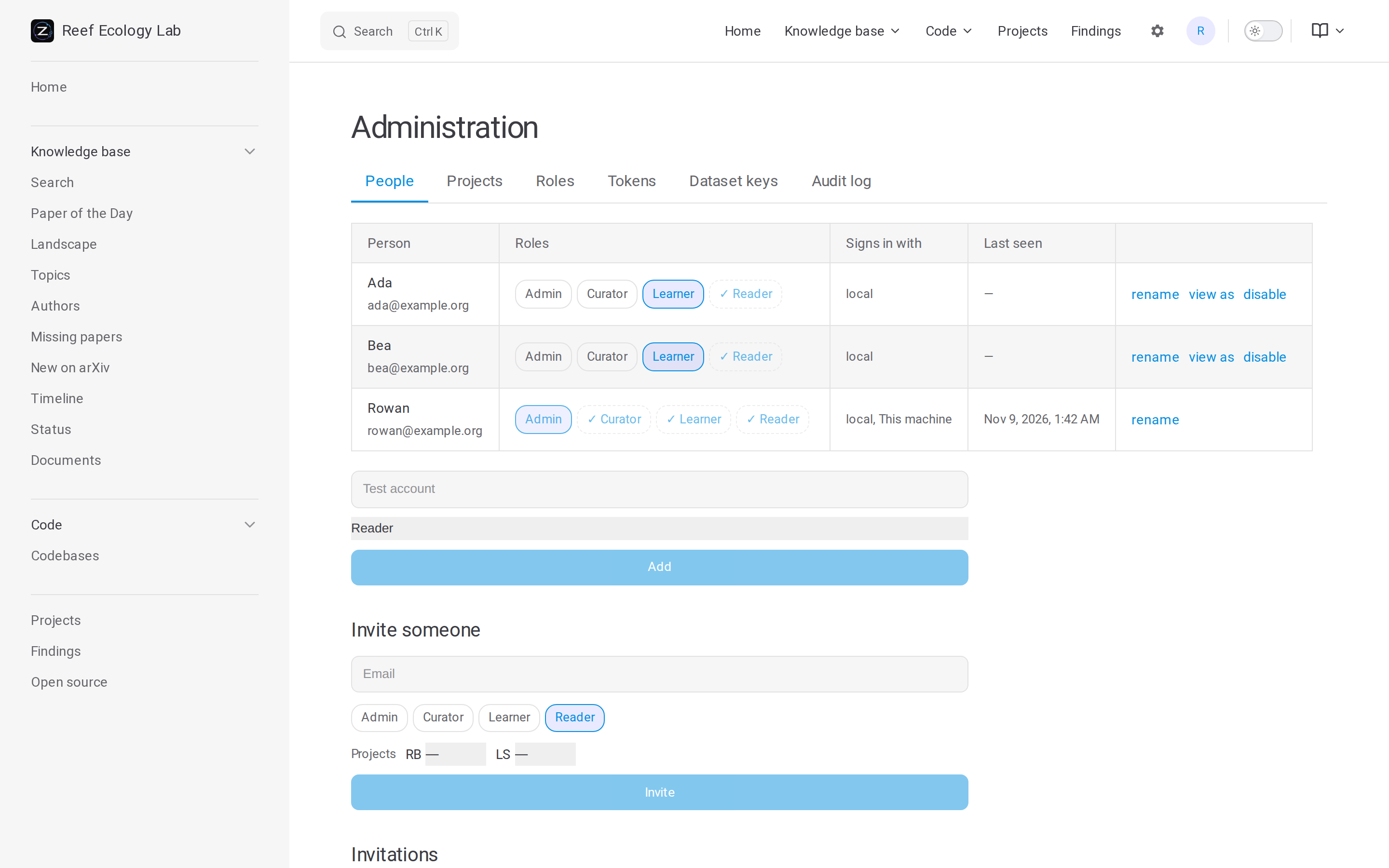
Admins invite people on the Administration page, each with roles. The roles it starts with, with their daily quotas of tutor turns and notebooks:
| Role | May | Tutor | Notebooks |
|---|---|---|---|
| Reader | read and search; see the projects they are in | 0 | 0 |
| Learner | also use the tutor, make notebooks, work on tasks, make projects | 60 | 3 |
| Curator | also add and manage papers, sync, check arXiv, see the service's state | 200 | 10 |
| Admin | everything: configuration, people, tokens | no limit | no limit |
With [shared] sign_up = "open", anyone may sign in, as default_role ("Reader"). Admins change the roles and add others.
The bibliography is at /api/bib: BibTeX of the papers, uploads and records the caller may see, or only those cited by the keys in ?keys=arXiv:2401.01234,rec-…. A program reads it with an API token that has read (Authorization: Bearer zemi_…); the search page links it for download. Run for one person, it takes the knowledge base's key instead, from this machine.
A codebase, like any document of a kind with access, is open to every reader, or only to the members of the projects linked to it (and those whose roles reach every project). A record linked to no project is seen only by those who manage papers (see Records). A document is linked to a project as its codebase or by a link of its own. A codebase from a repository the GitHub App reads, a private one, starts closed; the rest start open. Those who manage papers change it on the codebase's page or the Documents page. A closed document is left out of the site's build, its search index and the landscape, and out of the dataset; the service shows its pages to those who may see it. Records are never built into the site, open or not. Linking a project to a codebase, or keeping one in a library, takes seeing it.