🏗️
Elm Architecture
Declarative Model/update!/view pattern with a 60fps event loop and clean separation of state, logic, and rendering.

Build rich, interactive terminal applications with an Elm-inspired architecture, 30+ widgets, constraint layouts, animation, and kitty/sixel graphics.

Pkg.add and go..tach with one function call.Game of Life in 25 lines of code. New to Tachikoma? Start with the Getting Started guide, or see the Game of Life walkthrough for a line-by-line breakdown.
using Tachikoma

@kwdef mutable struct Life <: Model
    quit::Bool = false
    grid::Matrix{Bool} = rand(24, 80) .< 0.25
end

Tachikoma.should_quit(m::Life) = m.quit
function Tachikoma.update!(m::Life, e::KeyEvent)
    e.key == :escape && (m.quit = true)
end

function Tachikoma.view(m::Life, f::Frame)
    h, w = size(m.grid)
    g = m.grid
    nc = [sum(g[mod1(i+di,h), mod1(j+dj,w)]
          for di in -1:1, dj in -1:1) - g[i,j]
          for i in 1:h, j in 1:w]
    g .= (nc .== 3) .| (g .& (nc .== 2))
    a, buf = f.area, f.buffer
    cs = [:primary, :accent, :success,
          :warning, :error]
    for i in 1:min(h, a.height),
        j in 1:min(w, a.width)
        g[i,j] || continue
        set_char!(buf, a.x+j-1, a.y+i-1,
            '█', tstyle(cs[clamp(nc[i,j],1,5)]))
    end
end

app(Life())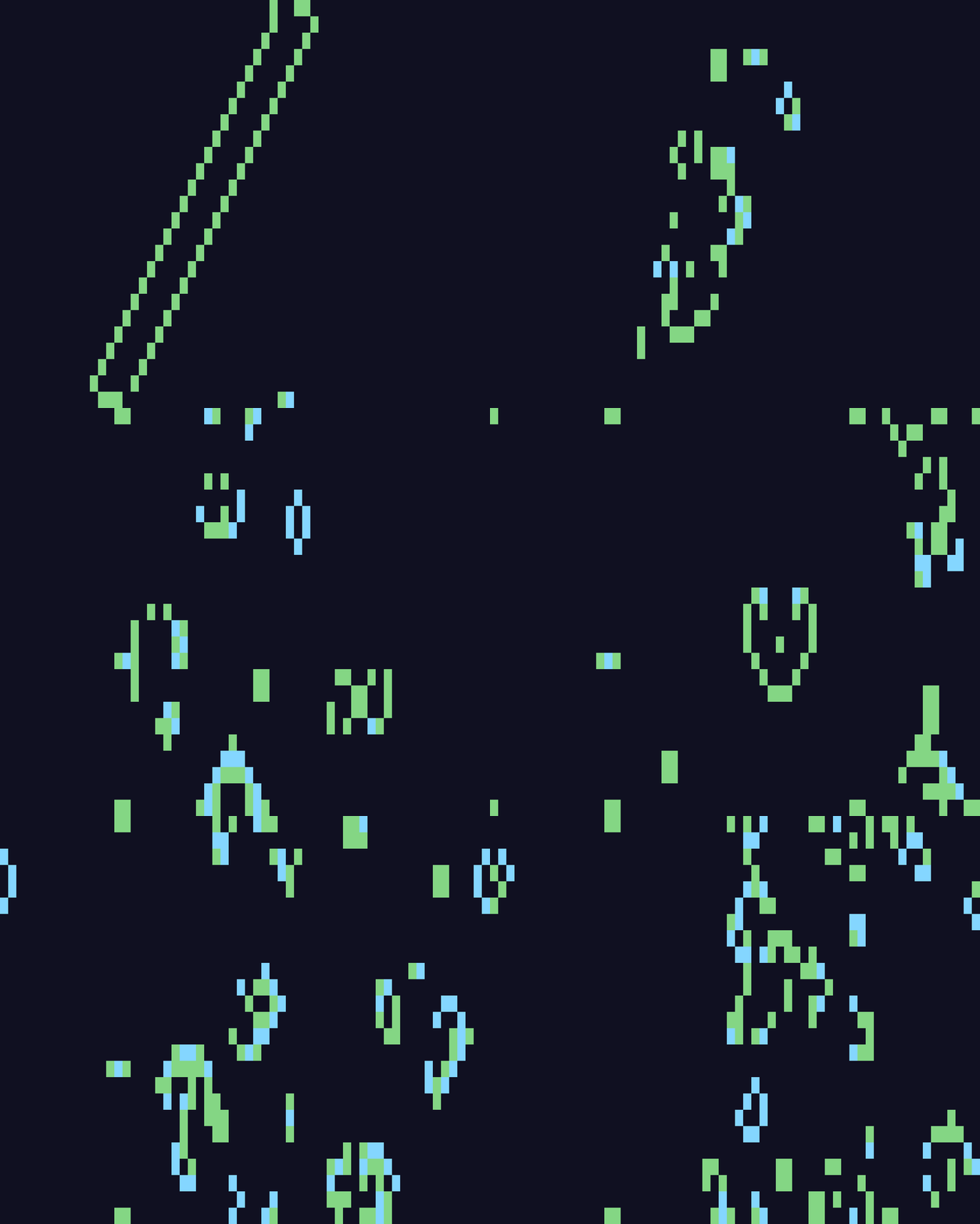
| Section | Description |
|---|---|
| Installation | Install Tachikoma and configure your terminal |
| Getting Started | Build your first app in 25 lines |
| Architecture | The Elm architecture pattern in depth |
| Layout | Constraint-based layout system |
| Styling & Themes | Colors, styles, and the 11 built-in themes |
| Input & Events | Keyboard and mouse event handling |
| Animation | Tweens, springs, timelines, and organic effects |
| Graphics & Pixel Rendering | Canvas, BlockCanvas, PixelImage, PixelCanvas |
| Widgets | Complete widget catalog |
| Backgrounds | Procedural animated backgrounds |
| Performance | Rendering pipeline, benchmarks, and optimization tips |
| Preferences | Configuration and persistence |
| API Reference | Auto-generated API documentation |
Build a Form — Form with validation, focus navigation, and value extraction
Build a Dashboard — Multi-pane dashboard with live data
Animation Showcase — Springs, tweens, and organic effects
Todo List — SelectableList with toggle and detail pane
GitHub PR Viewer — Async data fetching, DataTable, and modal overlays
Constraint Explorer — Interactive layout constraint visualization